PDF Replacer icon

PDF Replacer

  1.8.9.5
  • 1
  • 2
  • 3
  • 4
  • 5
  • 6
  • 7
  • 8
  • 9
  • 10
2.8
/ 4 ratings

A handy tool for replacing batches of words in PDF files

PDF Replacer |
updated on June 23, 2025
Download for Windows
When it comes to PDF file management, you simply never know what action you might need to undertake in order to quickly edit a file for an assignment or your job. Some tools offer to fix many different things regarding PDF files, but other tools focus on one simple task!

Finding and replacing text

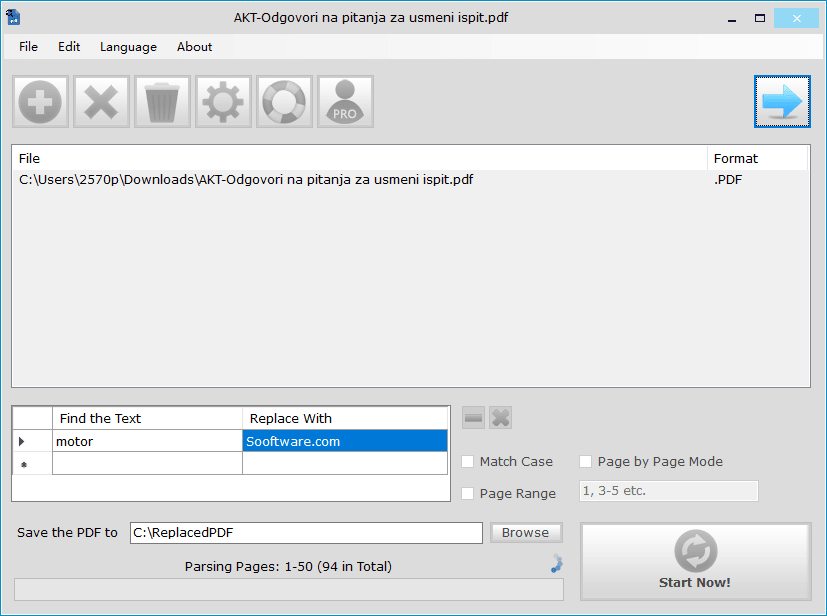
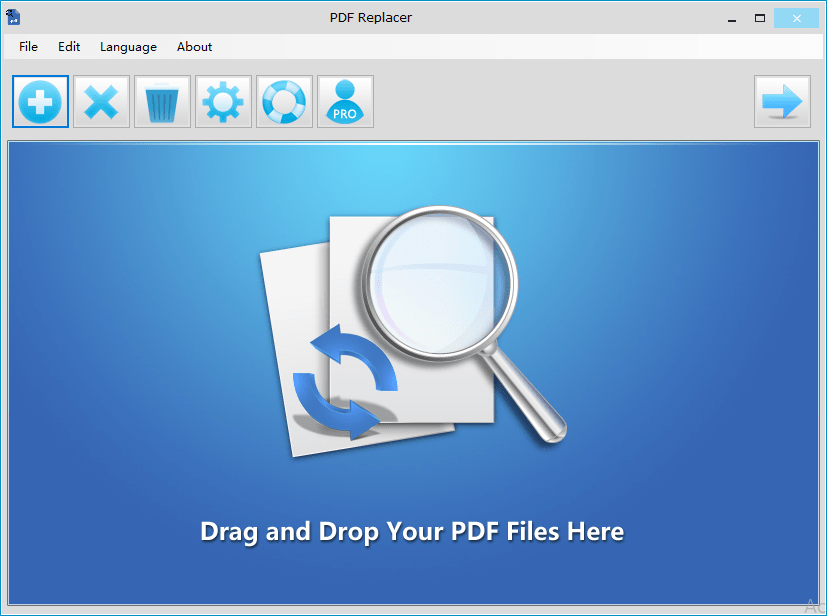
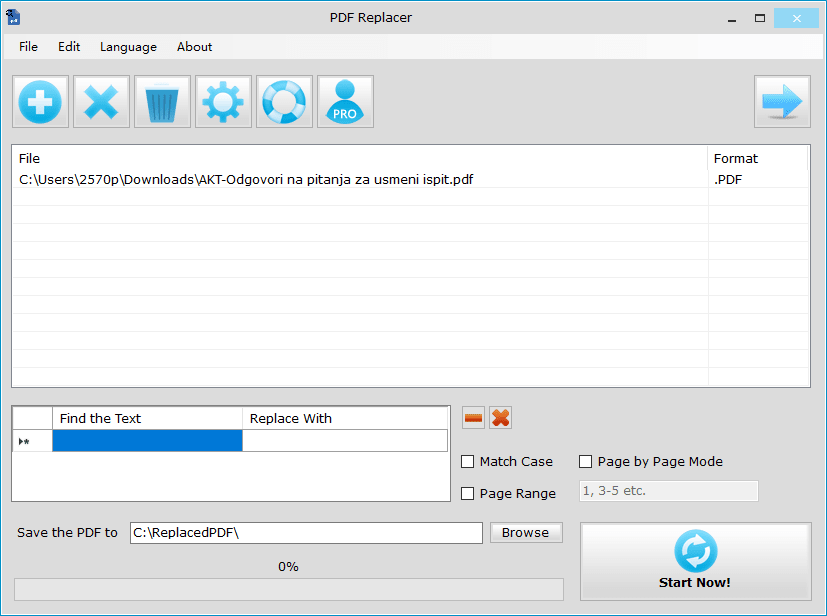
PDF Replacer pretty much does what its name suggests: it finds the specified word or phrase in the file you select and replaces it with new text while keeping the layout exactly the same. This is an interesting option, and here is why.

Skipping the Word conversion

Usually, if you need to make changes to a PDF file, it involves conversion to .docx format, editing the Word document, then converting it back to PDF. It should be noted that these conversions rarely go without layout issues, and PDF Replacer promises that the layout of the document will remain the same!

Layout preservation in practice

The tool does deliver on that front, and formatting is preserved if you replace words or phrases of similar length. Replacing short words with long sentences can cause problems because the actual line in the PDF file overflows. However, it's a highly unlikely scenario!

Font limitations and the free tier

One thing to note, though, is that PDF Replacer is sometimes completely wrong on the choice of font used, which really stands out in the end result. The free version of the tool leaves watermarks on PDF files larger than 100 pages. It might be a good idea to divide your files into many parts and merge them afterward!

License and performance

Upgrading to the Pro version requires a paid license, but it's a little too much for a program which only has one feature! During the testing, we used a 94-page file and the process took around half an hour, even though we only edited the first two pages of the file!
Vedin Klovo
Vedin Klovo
App tester and reviewer
★★★★★
★★★★★

Pros

  • Most features are included in the free version
  • It's quite easy to use the tool
  • Ability to replace many different phrases in many different files with one click
  • The layout is preserved in most cases
  • Translated into many different languages

Cons

  • In the free version, a watermark is placed on PDF files longer than 100 pages
  • The paid version costs too much for what it offers
  • It's quite slow with longer files, even if you just edit the first page
  • It sometimes gets the fonts wrong
LicenseFree
Minimum requirements• PIII 1GHz
• 3GB RAM
Previous versions
Operating systemWindows
Supported languagesArabic, Chinese Simplified, Chinese Traditional, Czech, Danish, Dutch, English, Finnish,
view more...
French, German, Greek, Hungarian, Italian, Japanese, Korean, Polish, Portuguese PT, Spanish
DownloadsTotal: 46
Last week: 0
Download for Windows